Translate subtitles in five browser steps that keep timecodes, formatting, and privacy and explain when to use AI versus human review.

Translate subtitles in five browser steps that keep timecodes, formatting, and privacy and explain when to use AI versus human review.


Your subtitles line up in the original video, but a translated sentence takes two lines and disappears before viewers can finish it. A subtitle-aware translator can preserve the timing while replacing the dialogue. Reviewing the result against the video helps you spot cues that still need editing.
TL;DR
| Format | Typical use | What to check |
|---|---|---|
| SRT | Basic subtitles for video platforms | Cue numbers, timecodes, and text encoding |
| VTT (WebVTT) | Web video captions | Cue settings, styling, and player compatibility |
| SBV | Basic YouTube captions | Timecode syntax and plain UTF-8 text |
| ASS / SSA | Styled subtitles with positioning or effects | Style definitions, inline override tags, and placement in playback |
| EBU-STL | Broadcast caption delivery | The broadcaster’s delivery specifications and export settings |
For YouTube, check its list of supported caption files before choosing an export. If you have styled ASS or SSA subtitles, test a short clip before converting to a simpler format. Positioning and effects can be lost in conversion.
Translate an SRT file with Lara Translate
Keep the original timecodes while translating the subtitle text.
Watch the translated track at normal speed. Start with dense dialogue and short cues, where a longer translation is most likely to be hard to read.
For a file-specific walkthrough, see how to translate an SRT file online.
A sentence can start in one cue and finish two cues later. Reviewing those cues together helps you catch ambiguous pronouns, unfinished phrases, and inconsistent tone. Format handling is a separate check. Compare timecodes and any styling tags after export.
For unreleased or client footage, check where the provider processes files and how long it retains them. A browser interface alone tells you little about where the translation runs.
For a short social clip or vlog, an AI draft followed by a bilingual playback review may be enough. Use a qualified reviewer for legal, medical, or technical content, especially where one term changes an instruction or its meaning. For a series, use a shared glossary and spot-check consistency across episodes.
If your team is deciding between a subtitle track and recording new audio, see this comparison of subtitles and dubbing.
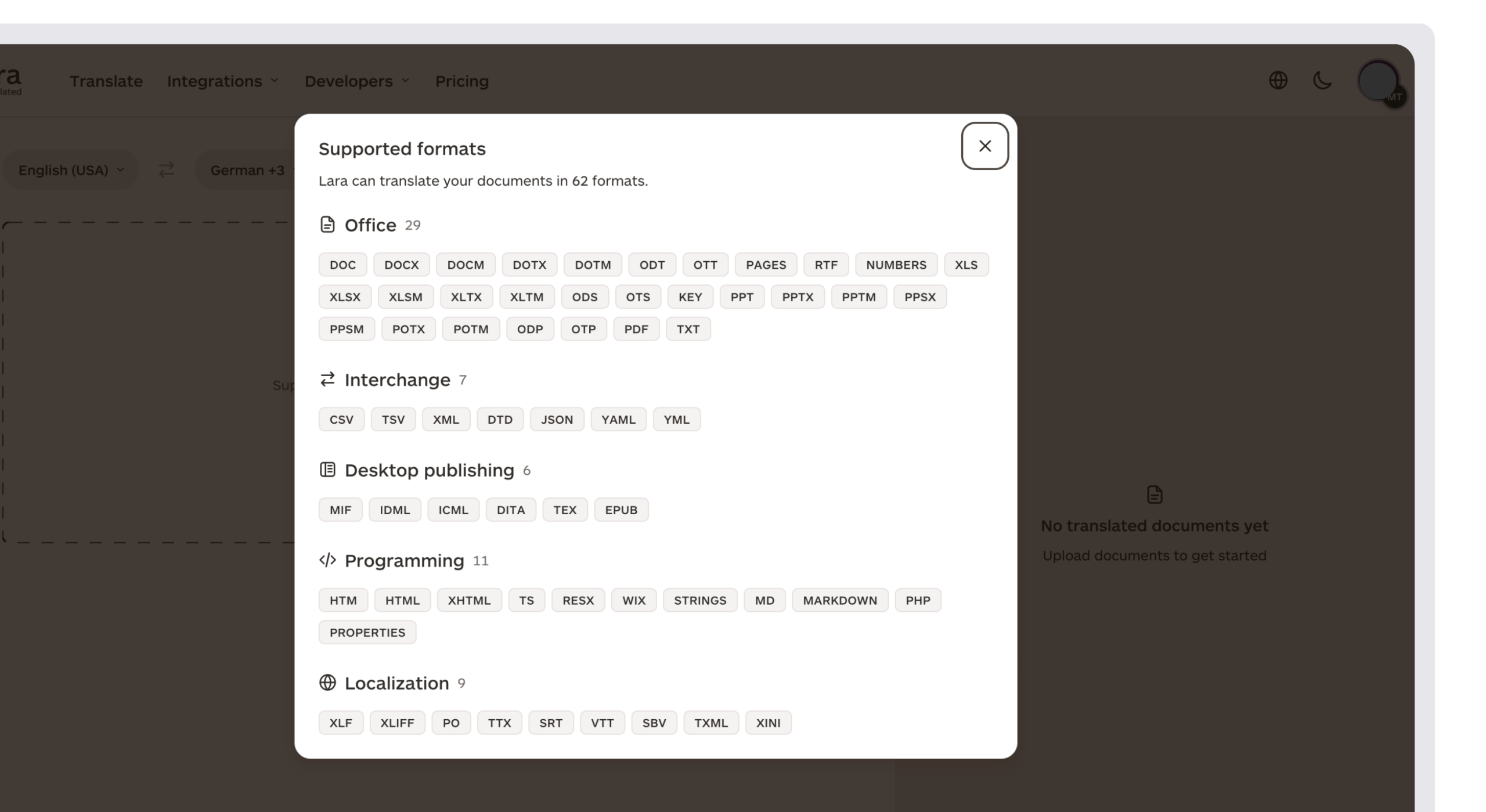
Lara Translate supports SRT, VTT, and SBV through its file translation workflow. Upload the subtitle file, select a target language, and download the translated track. For SRT, Lara Translate preserves the original timecodes and cue numbering. Review the export with the video in your subtitle editor before publishing.
See translation to and from English for English language pairs. If you want to check a line on its own, use the text translator.
Start with the format your video platform accepts, keep a copy of the source track, and review the translated file at normal playback speed. Check reading speed, meaning, and styling before uploading.
Translate your subtitle file
Upload an existing SRT, VTT, or SBV file to get started.
Have a tool or tip to suggest?
Email press@laratranslate.com.
Yes. Start with accurate source captions, then review the translation against the video. Check meaning, speaker labels, timing, and reading speed before you publish.
Some subtitle translators offer a free trial or a limited free tier. Check your file format, size limits, and whether you can download the translated file before starting.
Open the video player’s captions or subtitles menu and select English if a track is available. If you own the video and need an English track, translate your existing subtitle file into English and upload the result.
Upload a supported subtitle file, select English as the target language, then download the translated file. Play it with the video and check the wording and timing before publishing.
Choose an app that supports your file format and preserves timecodes. If you work with styled ASS files, test that the app preserves override tags and positioning. If you need cue editing or bilingual export, check for those features before uploading.
Translating existing subtitle files, preserving cue timing, reviewing captions for readability, and choosing a file format for the platform where your video will play.