

An enterprise evaluating an AI assistant needs to know where prompts, retrieved documents, and logs are processed. Self-hosting lets a team run model inference on infrastructure it controls, but the full data path also depends on application settings, monitoring, external tools, and any configured cloud endpoints.
This guide compares self-hosted LLM platforms for enterprises in 2026 by deployment model, governance, model compatibility, and cost. It includes enterprise platforms and local runtimes, plus gateways and model-management services that support a deployment but serve different roles.
|
TL;DR
|
What makes a self-hosted LLM platform worth using in 2026?
Deployment control decides who can see your data. Xinity, Red Hat OpenShift AI, Mistral Studio, and Aleph Alpha list on-premise or private deployment, vLLM, Ollama, and LocalAI run on hardware you manage, and NVIDIA AI Enterprise runs on certified data center and edge systems.
Governance decides whether you can put it in production. Xinity lists role-based access, single sign-on, and a per-request audit trail, Mistral Studio lists observability and guardrails, Red Hat OpenShift AI lists AI safety tools, and Hugging Face lists audit logs and single sign-on on its team plans.
Compatibility needs testing. Xinity, vLLM, and LocalAI list OpenAI-compatible APIs. These interfaces can reduce integration work, but supported endpoints, parameters, tool calls, and streaming behavior still need testing. LiteLLM provides a common interface and routing layer across model providers.
Pricing models differ widely. Xinity lists a free community tier and capacity-based plans. Other options combine free software, paid enterprise features, software subscriptions, or custom contracts. Include hardware, hosting, engineering, monitoring, support, and the licenses of the models you deploy.
Language coverage depends on the selected model and workload. Test the languages, terminology, and tasks your users need. Policies, model documentation, and user guides may also require reviewed translations, independently of the model’s ability to generate multilingual responses.
Self-hosted LLM platforms and supporting tools compared
| Provider | Best for | Model | Pricing |
|---|---|---|---|
| Red Hat OpenShift AI | Platform teams that run hybrid cloud and Kubernetes | Enterprise AI platform | Contact Red Hat |
| NVIDIA AI Enterprise | Enterprises with NVIDIA GPU estates | Enterprise AI software suite | Self-managed list price: $4,500/GPU/year |
| vLLM | Engineers who want a fast open source serving engine | Open source inference engine | Free |
| Mistral Studio | Teams that want models plus self-hosted deployment | AI production platform | Custom self-hosted deployment pricing |
| Xinity | Regulated teams that want on-premise AI with audit and access control | Sovereign AI infrastructure | Free tier; from €999/month |
| Aleph Alpha | Public sector and industry teams that want specialised models | Custom language model projects | Custom projects |
| Ollama | Developers who want to run open models locally | Local runtime and cloud models | Free local runtime; optional cloud plans |
| LiteLLM | Teams that need one gateway across many models | Open source LLM gateway | Free core; paid Enterprise options |
| LocalAI | Teams wanting a local runtime for multiple model types | Open source local runtime | Free |
| Hugging Face | Teams that source and manage open models | Model hub and team plans | Free Hub access; paid organization plans |
Prices exclude infrastructure and operations unless stated otherwise. US dollar and euro prices are shown as published. A gateway or model hub complements an inference runtime and should be budgeted separately.
Platforms and tools for enterprise LLM deployments
Red Hat OpenShift AI
Best for: Platform teams that run hybrid cloud and Kubernetes.
Red Hat OpenShift AI is an enterprise platform for deploying open weight models and agents. Its features include MLOps, GenAIOps, and AgentOps tooling, vLLM-based serving, AI safety and guardrail tools, and deployment on premises, at the edge, or in disconnected environments. It is built for teams that already run OpenShift and Kubernetes.
Pricing: Not published on its product page; contact Red Hat.
Verdict: Consider OpenShift AI when an enterprise platform on Kubernetes and disconnected deployment matter.

NVIDIA AI Enterprise
Best for: Enterprises with NVIDIA GPU estates that want a supported software suite.
NVIDIA AI Enterprise is a commercial software suite for production AI. Its features include NIM microservices, GPU orchestration, validated deployment guides, extended-lifetime production branches, and enterprise support. It runs on NVIDIA-certified data center and edge systems.
Pricing: NVIDIA’s licensing guide lists a one-year self-managed subscription at $4,500 per GPU, including standard support. Other terms, hardware bundles, and deployment arrangements are available; confirm a quote for your configuration.
Verdict: Consider AI Enterprise when GPU orchestration and vendor support on NVIDIA hardware matter.
vLLM
Best for: Engineers who want a fast open source serving engine.
vLLM is an open source library for LLM inference and serving. Its features include PagedAttention memory management, continuous batching, quantization, tensor and pipeline parallelism, and an OpenAI-compatible API server. It supports NVIDIA and AMD GPUs and many CPUs, and your team operates it.
Pricing: Free and open source; you pay for your own hardware and operations.
Verdict: Consider vLLM when engineering control and serving throughput matter more than a packaged platform.
Mistral Studio
Best for: Teams that want models, agents, and self-hosted deployment from one vendor.
Mistral Studio is an AI production platform. Its features include workflows, agents, connectors, experiments and evaluation, and hybrid, dedicated, or self-hosted deployment. Governance tools include observability, guardrails, and moderation.
Pricing: Contact Mistral for private or self-hosted deployment pricing. Hosted API usage and custom enterprise deployment are separate purchasing arrangements.
Verdict: Consider Mistral Studio when models and a managed platform from one provider matter.
Xinity
Best for: Regulated teams that want on-premise AI with audit and access control.
Xinity is a sovereign AI infrastructure platform with an open source engine and an enterprise layer. Its features include an OpenAI-compatible API, multi-model routing across local GPUs, a per-request audit log, role-based access, and single sign-on. The Platform layer adds on-premise deployment with hardware sizing, installation, and lifecycle support.
Pricing: Community free up to 120 GB VRAM; SME €999 per month billed annually up to 800 GB VRAM; Enterprise custom with unlimited VRAM.
Verdict: Consider Xinity when on-premise deployment with audit trails and capacity-based pricing matter.
Prepare AI documentation for international teams
Use Lara Translate to create language versions of approved policies and user guides, with terminology review and version control before distribution.
Aleph Alpha
Best for: Public sector and industry teams that want specialised models on European infrastructure.
Aleph Alpha develops specialized language models, applications, and a sovereign AI platform for enterprise and public-sector use. It works with customers on domain-specific requirements and deployment. Its Kolibri model is designed for infrastructure customers control; confirm the model license, deployment options, and support scope for the proposed project.
Pricing: Custom projects; prices not published.
Verdict: Consider Aleph Alpha when domain-specific models and project-based delivery matter.
Ollama
Best for: Developers who want to run open models locally.
Ollama provides a runtime for running models locally and also offers optional cloud-hosted models. Local inference runs on your machine, while a cloud model sends inference work to the provider’s infrastructure. Select and test the intended execution mode when evaluating data flows.
Pricing: Running local models is free, excluding your hardware and operations. Optional cloud plans list Pro at $20 per month, Max at $100 per month, and Team early access at $500 per month; Enterprise is custom. Cloud usage allowances and additional credits are separate from local inference.
Verdict: Consider Ollama when quick local setup for developers matters.
LiteLLM
Best for: Teams that need one gateway across many models.
LiteLLM is an open source gateway for LLM calls. Its features include a unified OpenAI-format interface to 100+ models, retry and fallback routing, a self-hosted proxy with virtual keys, cost tracking, and an admin UI. It routes to models and does not serve them itself.
Pricing: The open-source gateway is free to self-host. Enterprise governance and support features require a paid plan; request pricing based on deployment and capacity. Model-provider and infrastructure costs are additional.
Verdict: Consider LiteLLM when one access layer across local and hosted models matters.
LocalAI
Best for: Teams that want a local runtime supporting multiple model types.
LocalAI is an open-source runtime with an OpenAI-compatible API and multiple inference backends. It supports workloads such as text, voice, vision, and image generation, with available capabilities depending on the chosen model and backend. Check hardware requirements and configuration for the workloads you plan to serve.
Pricing: Free and open source; you pay for your own hardware.
Verdict: Consider LocalAI when one open runtime for many model types matters.

Hugging Face
Best for: Teams that source, store, and manage open models.
Hugging Face provides a model and dataset hub, private repositories, application hosting, and organization controls. Paid organization plans include features such as SSO, audit logs, and resource groups. The Hub is a model-management and collaboration layer; a Hub subscription by itself does not provide an on-premises inference service. Teams need a separate runtime and deployment architecture for local serving.
Pricing: Free Hub access and paid organization plans are available. The pricing page lists Team at $20 per month and Enterprise at $50 per month; confirm organization seat billing and commitments. Hosting, inference, and additional storage can incur separate charges.
Verdict: Consider Hugging Face when model sourcing and access control for a team matter.
How to choose a self-hosted LLM platform
Write down your data rules. List where data may be processed, which regulations apply, and who must be able to audit requests, then cut options that cannot meet them.
Size your hardware. Estimate GPU memory for the models you need and the number of users, and check how each platform counts capacity.
Decide how much you operate yourself. Free runtimes still require installation, updates, capacity management, and incident response. Compare vendor support commitments with the responsibilities retained by your own team.
Check governance and compatibility. Confirm access control, audit logging, single sign-on, endpoint behavior, and external network calls. Test the complete application rather than only the inference endpoint.
Plan for documents in several languages. List the policies, evidence, and user guides that regulators and staff read, then decide how each is translated and kept in sync with the source.
Connecting Lara Translate to your documentation workflow
Lara Translate can support a separate translation workflow for approved policies, model documentation, audit materials, and user guides. Use a glossary for recurring technical terms and have qualified reviewers check the translated content before publication. Keep the source version, translation, and approval status linked as policies or models change.
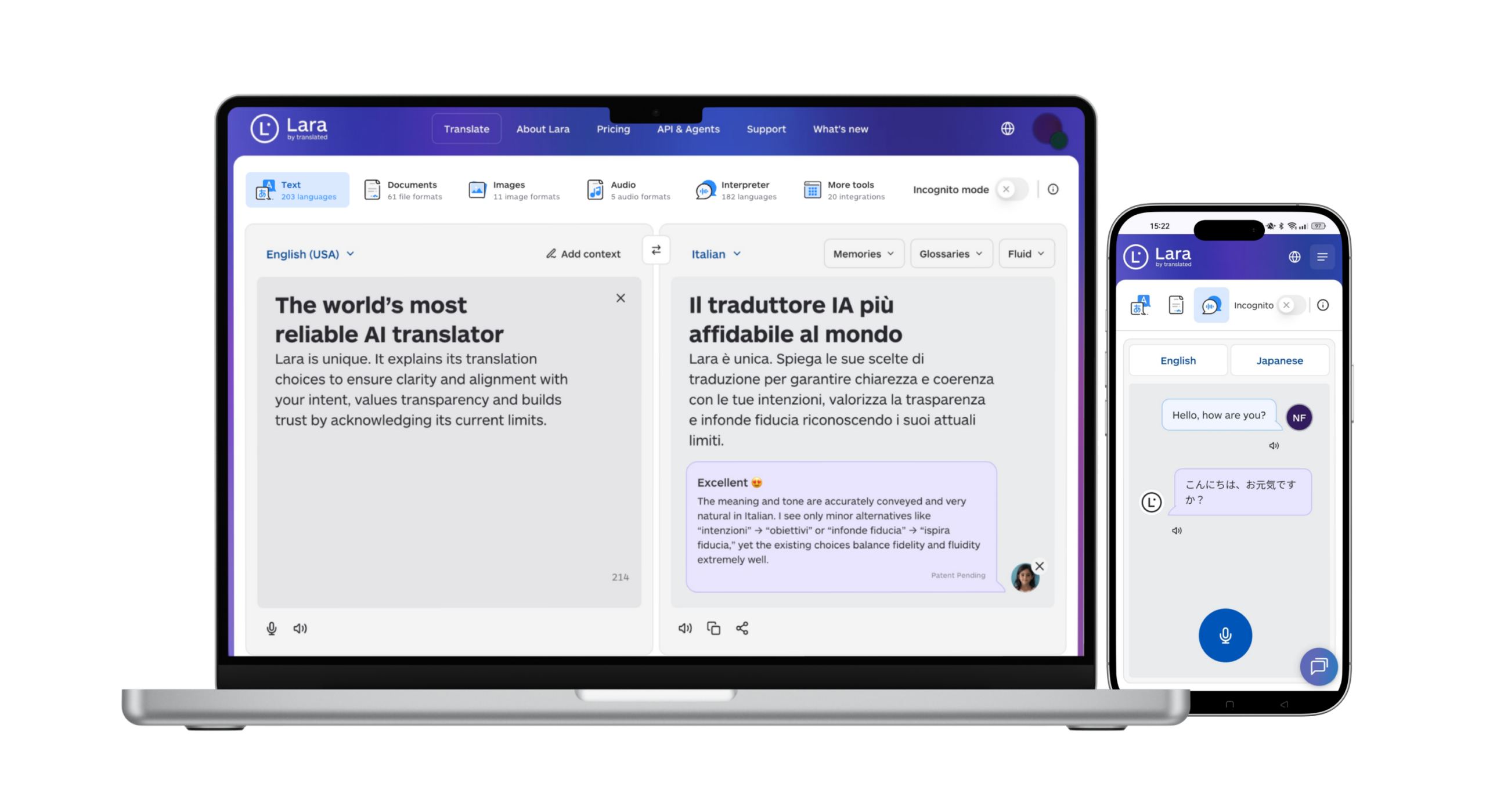
A technical team can connect the Lara Translate document translation API to an approved documentation process. Treat this as a separate service connection: it does not automatically inherit the network boundary or data-residency controls of a self-hosted LLM. Use it only for content and data flows permitted by your organization’s requirements, and confirm processing arrangements before sending restricted documents. This is a custom integration approach, not a claim of native connectors or on-premises Lara Translate deployment.
Keep translated documentation aligned with the source
Prepare reviewed language versions of permitted technical and user materials with Lara Translate, then update them alongside the original documents.
Conclusion
The right platform depends on your data rules, the hardware you can run, and how much of the operation you want to own. Running the model in your own environment is one part of the work, and documenting it clearly for every audience is the other.
Have a valuable tool, resource, or insight that could enhance one of our articles?
Send us an email at press@laratranslate.com
We’ll be happy to review it and consider it for inclusion to enrich our content for our readers! ✍️
Frequently asked questions
What is a self-hosted LLM?
A self-hosted LLM runs inference on infrastructure you operate or control, such as on-premises servers or a private-cloud environment. Keeping a complete application local also requires checking external tools, telemetry, logging, storage, and any configured cloud-model calls.
Why do enterprises self-host language models?
Common reasons include control over model versions, deployment location, access policies, and operational configuration. Self-hosting also transfers responsibilities such as maintenance, security, capacity planning, and availability to the organization or its chosen operator.
What hardware do I need to run an LLM on premises?
Requirements depend on the model, quantization, context length, concurrent requests, and latency target. Some smaller workloads can run on CPUs or a single GPU, while larger workloads need more memory or multiple accelerators. Benchmark a representative workload before committing to hardware.
Is self-hosting cheaper than using an API?
It can be, but there is no universal cost advantage. Compare hardware or rental costs, utilization, power, licensing, staffing, support, and redundancy with API usage charges at the same workload and service level. Low utilization can make dedicated infrastructure expensive.
What does an OpenAI-compatible API mean?
It means the implementation supports some API request and response patterns used by OpenAI-style clients. This can reduce integration work, but compatibility varies by endpoint and feature. Test tool calling, structured outputs, streaming, and error handling rather than assuming an endpoint change is sufficient.
How should enterprises manage multilingual AI documentation?
Maintain an approved source for policies, model documentation, and user guides, then translate and review the required language versions. Use consistent terminology and track revisions. Any external translation service must fit the organization’s data-handling requirements, especially for restricted audit or compliance materials.
This article is about
- Distinguishing enterprise AI platforms, inference runtimes, gateways, and model-management services.
- Evaluating data flows, deployment control, access policies, and auditability across an application.
- Matching hardware and model choices to concurrency, context length, and latency requirements.
- Comparing total operating costs and testing API compatibility before migration.
- Maintaining reviewed multilingual documentation within approved data-handling workflows.
Useful links
- Lara Translate is a DSLM: why this beats a GenAI or general LLM for translation?
- Why Domain-Specific AI for Business Outperforms General LLMs?
- Lara Translate document translation API
This article was produced by the Lara Translate content team. Lara Translate is an AI translation platform built by Translated, with more than 25 years of professional translation experience. Organizations can use Lara Translate to prepare translated policies, technical documentation, and user guides for international audiences, across 200+ languages and 60+ file formats.