

You photograph a page of handwritten notes, drop it into a free OCR app, and get back a wall of nonsense. The tool wasn’t broken. It was built to read printed fonts, and handwriting is a different problem entirely. Get the sequence right and a scanned letter, a recipe card, or a field notebook becomes clean, translated, editable text in minutes.
The fastest reliable path is a photo or scan of the page, run through a handwriting recognition (HTR) tool to transcribe it, then machine translation to convert the result into your target language. Skip generic OCR if the source is cursive or messy. It’s built for print, not for connected strokes.
Expect editable text, a Word document, or a searchable PDF as your output, with accuracy that depends heavily on image quality and handwriting style. A clean, well-lit photo of clear print can approach near-perfect transcription. Faded ink, dense cursive, or historical scripts will need manual correction. Here’s what changes the outcome most:
- Image quality: sharp, well-lit, distortion-free photos or scans consistently produce the best transcription accuracy.
- Tool choice: HTR-specific platforms outperform standard OCR on handwriting because they’re trained on actual handwritten samples, not printed fonts.
- Review step: a quick manual pass on flagged, low-confidence lines catches most remaining errors before translation.
Tools like Lara Translate combine image and document translation across 200+ languages in one flow, with optional human validation for documents where accuracy really counts.
|
TL;DR
|
How to Translate Handwritten Text Step by Step
Converting a handwritten page into translated, editable text follows the same basic sequence no matter which tool you use.
- Capture the source. Photograph or scan the document as a JPG, PNG, or PDF. Use natural light, hold the camera parallel to the page, and avoid shadows across the text.
- Upload to an HTR-capable tool. Standard OCR software often fails on handwriting, so choose a platform built for it, then run the transcription pass.
- Translate the transcribed text. Feed the output into a machine translation engine, or use a platform that handles both steps in one pass.
- Verify low-confidence segments. Most tools flag uncertain words or lines. Check those first instead of proofreading the entire document line by line.
- Export and save. Choose Word, plain text, or searchable PDF depending on whether you need to keep editing, archive, or search the file later.
For multiple pages or a batch of old notebooks, most HTR platforms let you queue documents and process them together rather than one at a time, which saves real time on larger projects.
Why Handwriting Recognition Differs From Standard OCR
Standard OCR matches shapes against a library of printed character templates, which works well for typed text but breaks down fast on handwriting, where letters connect, slant, and vary from word to word. HTR takes a different approach entirely: deep learning models trained on real handwriting samples and language context predict what a word likely is based on surrounding text, not just the shape of individual letters.
That distinction explains why HTR handles cursive and connected strokes far better than template matching ever could. It also explains the training scale involved.
- Standard OCR: template matching against printed fonts, minimal training data needed.
- HTR: deep learning on handwriting datasets, with context models predicting likely words.
- Historical or highly stylized scripts often need custom-trained models, not just a bigger dataset.
Some flagship HTR models are trained on millions of handwritten words, which is how modern platforms recognize faded ink and unusual scripts that trip up standard OCR completely. The quality of transcription directly determines translation quality. A machine translation engine can only work with the text it’s given, so a garbled transcription produces a garbled translation no matter how good the translation model is. Get the handwriting recognition step right, and the translation step tends to take care of itself.
Getting a Cleaner Scan Before You Upload
Image quality is the single biggest factor separating a clean transcription from one full of errors. A blurry photo taken at an angle under a desk lamp will frustrate even the best HTR model.
- Resolution: for scans, aim for at least 300 DPI. For photos, use your phone’s highest resolution setting and get close enough that text fills the frame.
- File format: JPG and PNG work for photos; PDF is standard for multi-page scans.
- Lighting: natural, even light beats a single overhead bulb, which tends to cast one-sided shadows across the page.
- Angle: shoot straight down, not at a tilt. A skewed image forces the software to correct geometry before it can even start reading letters.
- Bound notebooks: press the book as flat as possible and photograph each page separately rather than trying to capture a two-page spread, which distorts text near the spine.
Run deskew, contrast enhancement, or denoise filters before uploading if your source image has visible glare, curl, or shadow. Most HTR platforms also return a confidence score per word or line. Treat anything below roughly 80 to 85% confidence as a line worth checking by eye before you trust the export.
Skip the app-hopping
Upload a photo of a handwritten page and get the translation back as an editable file, without stitching two tools together.
Turning Transcribed Text Into a Usable, Searchable File
Once transcription is done, the real work is reviewing the output and shaping it for whatever comes next: filing, sharing, or archiving.
A side-by-side editor showing the original image next to the transcribed text is the fastest way to catch errors, since you can compare a flagged word against the actual handwriting in one glance. This is also the stage to add metadata, like author, date, or document type, which makes files searchable later inside an archive or research system.
- Word or TXT works best when you plan to keep editing the content.
- Searchable PDF is the right call for archiving while preserving the original page image alongside the text layer.
- XML formats (including TEI or PAGE) suit scholarly or archival projects that need structured, machine-readable output.
If the source document uses columns, tables, or unusual layout, such as a recipe card or a form, pick a tool that explicitly advertises layout preservation. Otherwise, expect to reformat manually after export. For ongoing projects, feeding corrected transcriptions into a translation memory and glossary keeps terminology consistent across documents and saves rework on future files with similar content.
Choosing Between On-Device Apps, Cloud Platforms, and Human Review
The right tool depends on what you’re actually trying to do, not which app has the flashiest interface.
- Match the tool to the job. A one-off birthday card needs nothing more than a phone app. A bulk archival project or a legal document needs a platform built for volume and accuracy.
- Weigh privacy against coverage. On-device processing keeps sensitive notes off a server, and modern digital ink recognition supports many languages and writing systems entirely offline. Cloud platforms typically offer larger models and broader script support, at the cost of uploading your document somewhere. If the material is confidential, look for a tool with an incognito mode and clear data protection.
- Check the feature list before committing. Confirm supported file formats, language pairs, layout preservation, batch processing, and whether an API exists if you need to plug this into a larger workflow.
For archival or historical documents, custom-model training on a sample of pages is a common and effective practice for reaching usable accuracy with paleography or scholarly material. For anything with legal, medical, or contractual weight, human validation is worth paying for. No automated system, however good, should have the final word on a document that carries real consequences if it’s wrong.
How Lara Translate Handles Handwritten Documents
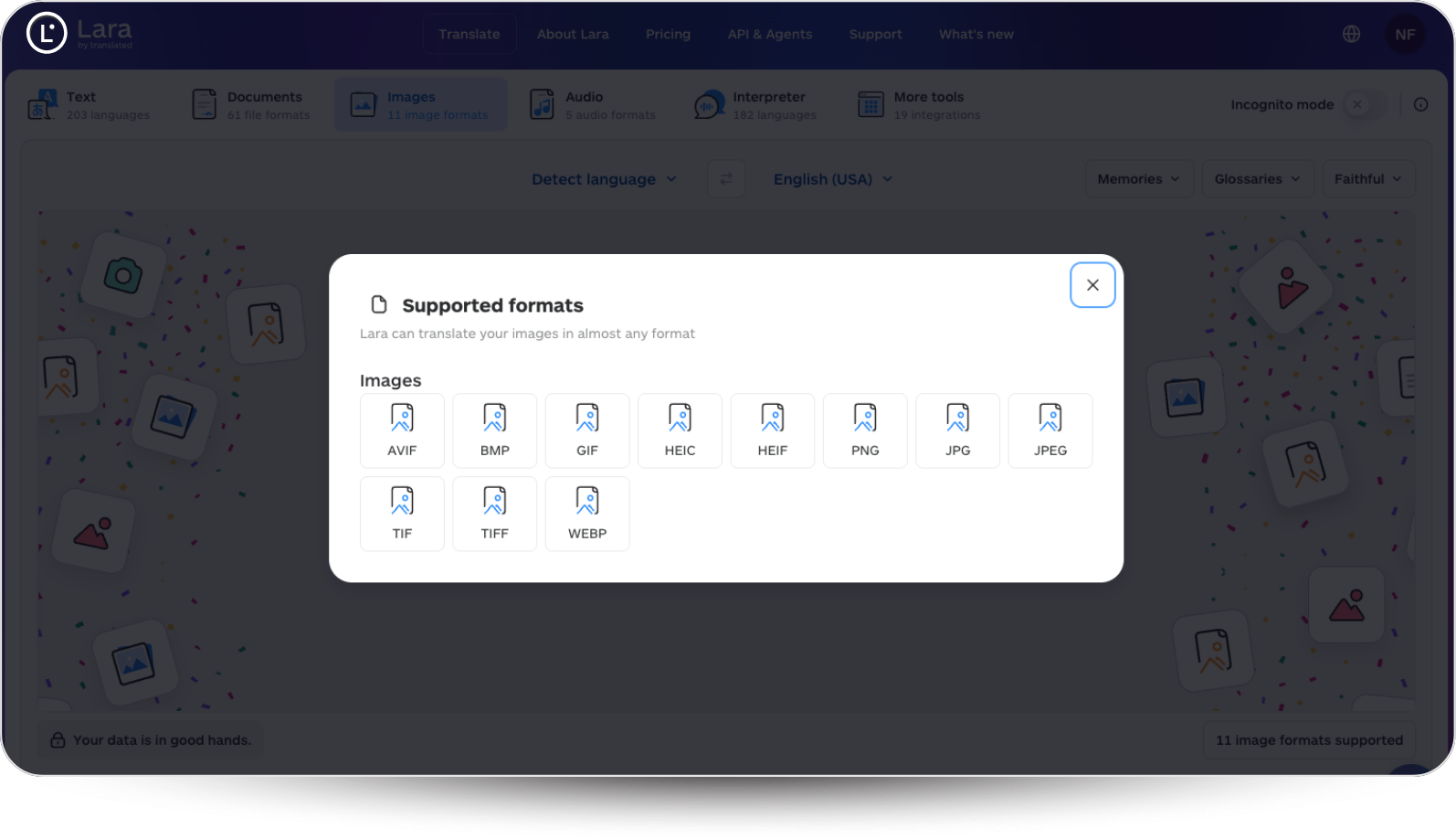
Lara Translate is built for readers who want to move straight from a photographed page to translated text, without bolting two separate tools together. The platform accepts images in 11 file formats and documents in 61 file formats, then translates across 200+ languages with style options ranging from faithful to fluid to creative, depending on how closely you need to match the original tone.
- Upload a photo or scan of a handwritten page through image translation and export the result as an editable document.
- Send longer files through document translation, then choose human validation by professional linguists for pages where accuracy has real stakes.
- Use bulk file translation and glossaries to keep repeated terminology consistent across multiple documents.
- Work in incognito mode when the source material is sensitive or confidential.
The adaptive model behind Lara Translate improves through real professional translations over time, so contextual accuracy tends to get better the more the system is used, rather than staying static like a fixed dictionary lookup. On messy handwriting, where any automated read can slip, the human validation option is what closes the gap. Lara Translate is built by Translated, which has run professional translation since 1999, and its document handling is covered by enterprise-grade security and certifications including ISO 17100 and ISO 27001. That suits freelancers, localization teams, and researchers who move sensitive material regularly.
| Point | Details |
|---|---|
| Image quality first | Sharp, well-lit, distortion-free photos consistently produce the most accurate transcriptions. |
| HTR beats OCR for handwriting | Deep learning models trained on handwriting samples handle cursive and connected strokes far better than template-based OCR. |
| Review before translating | Fixing an error in the source transcription is faster than catching it later in translated text. |
| Match the tool to the stakes | Reserve custom-model training and human review for archival, legal, or medical documents. |
| Lara Translate for integrated workflows | Handles images across 11 file formats and documents across 61, in 200+ languages, with optional human validation for higher-stakes files. |
What Actually Moves the Needle Here
Most advice on this topic treats OCR and HTR as interchangeable, and that’s the single biggest mistake people make when trying to digitize handwriting. They upload a scan of grandma’s recipe cards into a generic OCR app, get back gibberish, and conclude that AI just can’t read handwriting. The tool was never built for the job.

The conventional wisdom also overweights the software and underweights the photo. A mediocre HTR platform fed a sharp, well-lit, flat scan will usually outperform an excellent platform fed a blurry photo taken at an angle under bad light. If you fix one thing in your workflow, fix your capture process before shopping for a better tool.
The other underrated step is the review pass. People treat automated transcription as a finished product instead of a first draft, and that’s backward. A short correction pass, focused on the lines a platform flags as low confidence, is where most of the real accuracy gets earned. Skip that step, and you’re translating errors, not text. Prioritize the photo, then the review, then the tool. Most people do it in the reverse order.
Try Lara Translate for Your Handwritten Documents
Lara Translate gives you image and document translation in one place, so a photographed page of handwritten notes doesn’t require bouncing between three separate apps before it becomes usable text. That matters most for freelancers and researchers juggling multiple source languages, since Lara Translate covers 200+ languages and 61 document formats without forcing you to find a separate transcription tool first.
If your handwritten material carries real stakes, a legal letter, a medical record, an archival manuscript, the human validation option puts a professional linguist’s eyes on the result before you rely on it. For everyday notes, the automated flow alone typically gets you a clean, editable file in minutes. Try translating your first handwritten document and see how the transcribed text holds up against the original before you commit to a paid plan. For a wider look at the category, see our guide to translating text in images.
From handwritten page to translated file
Transcription and translation in one workflow, with human validation when it counts.
Have a valuable tool, resource, or insight that could enhance one of our articles?
Send us an email at press@laratranslate.com
We’ll be happy to review it and consider it for inclusion to enrich our content for our readers! ✍️
FAQ
Can ChatGPT convert handwritten text into typed text?
ChatGPT can read and transcribe some handwritten images, especially clear print, but it lacks the specialized training on handwriting datasets that dedicated HTR platforms use, so accuracy on cursive or messy notes tends to be inconsistent.
How do I convert handwritten text into typing?
Photograph or scan the document, upload it to an HTR-capable tool for transcription, then review and correct any flagged low-confidence words before exporting to Word, TXT, or a searchable PDF.
Can Google Translate recognize handwriting?
Google Translate’s camera feature can attempt to read handwriting, but it’s optimized for printed text. For reliable results on handwritten pages, a dedicated HTR tool paired with a translation step, like transcribing first with a platform such as Google Cloud Vision’s document text detection, performs better.
Can I translate handwriting directly without a separate transcription step?
Some platforms combine handwriting recognition and translation into a single upload, which simplifies the workflow. Lara Translate reads text from photos and scans and translates it in one pass across a wide range of image and document file types.
This article is about how to translate handwritten text: capturing a clean scan, transcribing it with handwriting recognition (HTR) rather than standard OCR, reviewing low-confidence lines, and translating the result into another language, with notes on tools, file formats, privacy, and when human validation is worth it.
Sources
- Digital Ink Recognition | ML Kit
- Handwriting detection with Optical Character Recognition (Cloud Vision API) | Google Cloud
- Scan handwritten notes | Evernote
- Handwritten text recognition for letters and notes | Transkribus
Recommended
- Translate text in images with Lara Translate
- Translate to and from English with Lara Translate
- How to translate text in images (and why)