

Your customer just sent a screenshot, a voice note, and a two-line chat message, and all three are in a language your agent does not speak. That is the real shape of multilingual support. AI translation for customer support has to handle every one of those formats inside the tools your team already uses, not just plain text in a box. That is where most translation tools fall short.
So multilingual customer support is a workflow challenge, not a simple translation task. The team needs to understand what the customer is saying, what the customer is showing, and what the customer expects next. Translation has to support agents inside their existing tools, without adding copy and paste steps. With Lara Translate, teams can cover several practical use cases: browser-based translation for messages and live chats, image translation for screenshots, API-based translation for automated workflows, audio translation for voice messages, and profanity detection for user-generated content.
TL;DR
|
Why multilingual customer support goes beyond text
Support is not a stream of tidy sentences. It is screenshots, voice notes, angry reviews, and half-finished chat messages, and each one hides context your agent needs. A customer writes a short message in a chat widget, then sends a screenshot because the problem is visible on screen. Another replies by email with a longer explanation. Someone else records audio because it is faster than typing. Language is only one part of the issue.

The format changes what the agent can understand. A screenshot can show the exact error message, the interface language, the field that blocked a checkout, or the label that confused the user. A voice note can reveal urgency, hesitation, or a sequence of actions the customer would never write down. A public review can contain product feedback, but it can also include language that needs moderation before the content is processed or displayed.
That is why multilingual customer support has to cover several types of content. Text translation is still central, but teams also need to translate customer screenshots, manage voice messages, interpret UGC, and keep terminology aligned across replies, help center articles, and escalation notes.
The better question is not “how do we translate this message?” It is: where does translation fit inside the support workflow? A useful setup should help the agent read incoming content, prepare a reply, escalate the case with enough context, and maintain quality across languages.
Translating customer messages and live chats in the browser
For many support teams, the browser is the main workspace. Agents move between help desks, CRM systems, live chat consoles, internal knowledge bases, customer profiles, email clients, and shared documents. When a customer writes in another language, every extra copy and paste step adds friction to the response.
The Lara Translate Browser Extension brings translation into that browser-based routine. It can translate entire web pages, selected text, and specific content in Gmail, Google Docs, and Google Slides without forcing the agent to leave the page.
As a live chat translation tool, the extension is useful when an agent needs to understand a short piece of text quickly. You highlight the text on a page and translate only that portion. This works well for live chats, short support messages, customer notes, or internal comments that need immediate interpretation.
The Page Translator works in a different way. It can translate the full content of a compatible web page, which helps agents read help center pages, partner portals, product pages, or internal resources in another language. The extension also supports auto-translation by language or website, which cuts repeated manual steps for pages the team visits often.
The side panel includes a Quick Translator for translating text without leaving the current page. It can work with translation memories and glossaries configured in your extension settings, helping teams keep product names, approved phrases, plan names, and recurring support terms consistent.
For teams that manage customer messages in email or collaborative files, Lara Translate also connects with Gmail, Google Docs, and Google Slides. The Chrome extension update shows how this supports workflows where teams read customer emails, review internal documents, or translate presentation content without exporting files or changing tools.
Add Lara Translate to your browser
Translate messages, live chats, and web pages without leaving the tab your agents already work in.
Translating customer screenshots and images
Screenshots are one of the most common ways customers explain a problem. They show what the customer sees: an error message, a blocked checkout, a payment issue, a delivery notification, a warranty form, a mobile app screen, or a confusing interface. When the screenshot contains text in another language, the agent needs the visual context and the translated meaning together.
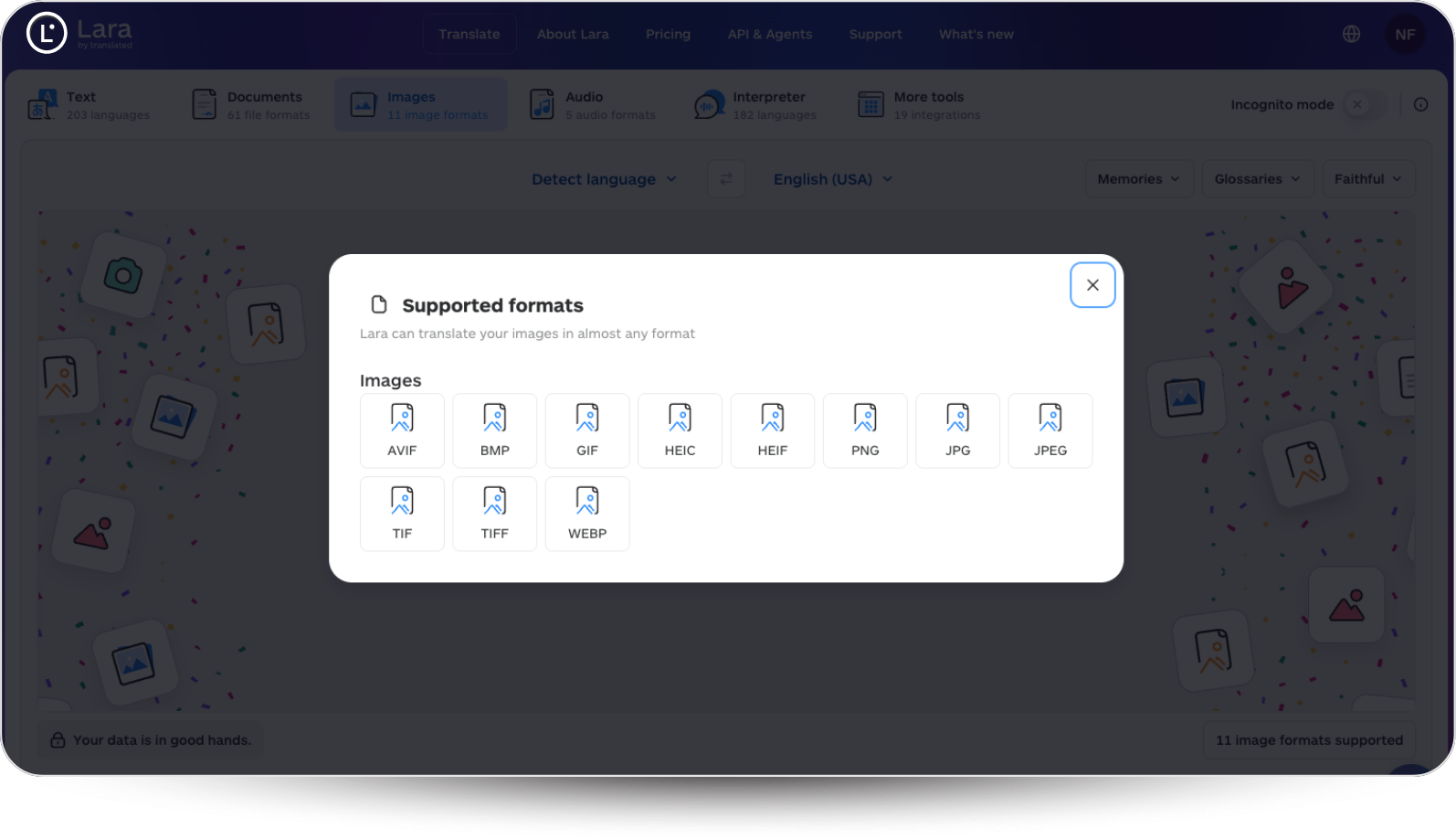
With Lara Translate’s image-to-image translation, teams can translate standalone image files such as screenshots, graphics, or scanned images. Lara Translate extracts the text from the image, translates it into the selected language, reconstructs the image with the translated text, and returns the content in the original image format.
That makes translating customer screenshots a practical support step. Instead of asking the customer to rewrite the text, or waiting for a colleague who knows the source language, the agent works from a translated visual version. The screenshot stays useful because the layout, buttons, labels, and visual hierarchy still explain the issue.
This also helps escalation. If a first-level agent needs to involve a product, billing, logistics, or technical team, the translated screenshot gives the next team more context. The conversation becomes easier to follow because the visual evidence travels with the case.
For developer-led workflows, the Lara Translate image translation API offers different modes for different needs. Overlay places translated text over the original image. Inpainting removes the original text and inserts the translation in place. Generative mode regenerates the image with translated content. Image-to-text extracts the text and returns both the transcription and the translation.
Picture a real ticket: a customer in Germany sends a screenshot of a failed checkout, error text and all. With the image translation API, your system can pull the German text out of that screenshot, translate it, and hand the agent a version with the error rendered in English, right where it appeared on screen. The agent sees the exact problem, not a vague “payment did not work.” That is what turns a screenshot from a dead end into usable support context.
The image translation API can also work with translation memories and glossaries, which helps when screenshots contain product names, technical labels, or recurring interface terms. Image quality still matters. Clear text, readable contrast, and sufficient resolution make image translation easier to process and review.
Translating audio requests and voice messages
Support requests are not always written. Customers send audio because they are on the move, because the issue is easier to explain out loud, or because voice messages are a common habit in their market. For a support team, that creates a bottleneck the moment the message is in a language only some agents understand.
The Lara Translate Audio API supports audio-to-audio translation. Teams can process spoken content and generate a translated audio version. It also supports automatic language detection, translation style, voice gender selection, translation memories, and glossaries.
If a customer sends a voice note, the audio translation API turns it into translated audio your team can act on. No bilingual colleague required. The same applies to recorded requests, customer interviews, onboarding feedback, or internal review material that needs to circulate across markets.

The operational value is simple: audio becomes part of the multilingual workflow instead of sitting as an isolated file. If the request needs escalation, the translated version helps another team understand the case on its own.
Audio translation also needs the right expectations. It suits workflows where the team processes spoken content in a structured way, rather than scenarios that require live interpretation. For most support teams, that still covers a real slice of the workload: voice notes, recorded explanations, asynchronous requests, and internal knowledge sharing.
Connecting translation to support workflows with the API
A browser extension helps agents. An API helps systems. The difference shows the moment support volume grows, teams handle several markets, or translation has to happen inside a product, portal, help desk, CRM, or internal automation.
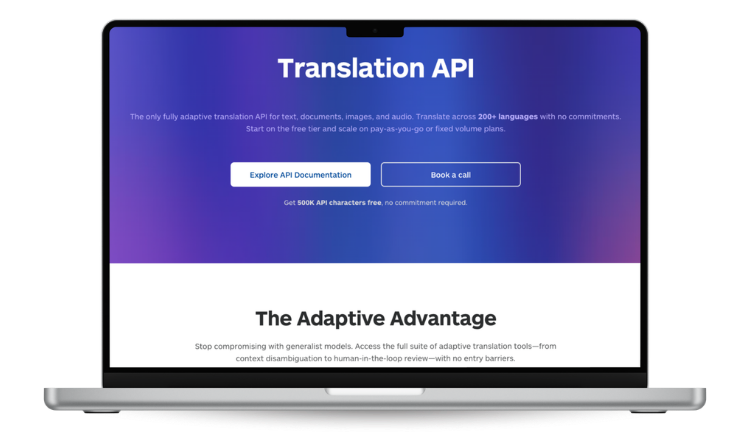
The Lara Translate API lets teams translate text, documents, images, and audio programmatically across 200+ languages. It works with glossaries, translation memories, and adaptive context. For support teams, that opens the door to translate customer support tickets and build an auto-translated help desk workflow.
A support organization may want incoming messages translated before an agent opens them. It may want agent replies translated before they reach the customer. It may need to route tickets by language, region, product category, or escalation level. It may also need translation inside a customer portal, a help center, a CRM, or a ticketing environment such as Zendesk.
The point is that translation becomes part of the workflow, not a separate manual task. A single ticket might include a written complaint, an image, and an audio file. A customer review might need translation and moderation. A help center article might need terminology that matches support replies. A support-ready setup connects these content types.
Terminology control matters most here. Customer support language is full of product names, plan names, refund terms, compliance language, technical errors, and approved phrases. Glossaries and translation memories keep these aligned, which reduces inconsistent wording across markets and channels.
The API also lets teams build workflows around their own logic. One company translates everything into a central support language for internal triage. Another translates replies into the customer’s language before sending. A third uses translation only for specific markets, content types, or escalation paths. The right model depends on team structure, but the goal is the same: make multilingual support easier to manage at scale.
Try Lara Translate in your support workflow
Translate customer messages, screenshots, audio, and support content with Lara Translate to see how it handles context, terminology, and formatting.
Adding guardrails with profanity detection
Multilingual customer support also includes content that needs moderation. Customers leave reviews, write public comments, submit open-text feedback, post in communities, or use chat in moments of frustration. Some messages carry useful information. Others include offensive or profane language that should be flagged before it reaches a public page, a workflow, or an agent queue.
The Lara Translate profanity detection API identifies and flags profane or offensive language within a text string. It can run as a standalone service, separately from translation. The response can include masked text and detected profanities, which makes it useful for moderation workflows.

For customer support, the profanity detection API acts as a guardrail for UGC. You can use it to review product comments, filter abusive messages, moderate community posts, or catch problematic open-text responses before they move further through the system.
This is especially useful across languages. A support team may recognize offensive language in its primary market but miss it in others. Automated detection surfaces the content that needs attention, while still leaving room for human review when a case is sensitive or ambiguous.
What to measure: response time, quality, and customer satisfaction
Once translation becomes part of support operations, teams need to know whether it improves the experience. Start with response time. When agents spend less time switching tools, waiting for language help, or asking customers to clarify screenshots, the whole flow speeds up.
The second metric is CSAT (Customer Satisfaction Score). Customers judge support on clarity, relevance, and trust. In multilingual environments, language quality shapes that perception. A reply that is technically understandable but awkward may close the ticket, yet still feel unprofessional. A reply that uses the right terms and tone feels reliable.
Quality should also be reviewed internally. Support managers can check whether translated replies preserve meaning, follow tone guidelines, and use approved terminology. This is where glossaries and translation memories become operational tools, not just language assets.
Escalation quality is another signal worth watching. When translated screenshots, translated audio, and translated tickets carry enough context, second-level teams need fewer clarification loops. Over time, that helps support, product, and customer success teams spot recurring issues across markets.
Conclusion
A strong multilingual support strategy starts from customer behavior. Customers use text, screenshots, images, audio, reviews, and chat because each format explains a different kind of problem. A useful workflow handles that variety with speed, context, and consistency. Lara Translate supports that approach at every level: browser translation for agents, image translation for screenshots, audio translation for spoken requests, API integration for platforms, and profanity detection for user-generated content. The result is a more complete approach to AI translation for customer support, built around the formats customers already use.
FAQs
What is multilingual customer support?
Multilingual customer support is helping customers across different languages and channels. It can cover support tickets, live chat, email, help center content, screenshots, images, audio files, and user-generated content.
How does AI translation help customer support teams?
AI translation for customer support helps teams understand multilingual messages, translate replies, process screenshots, handle audio requests, and keep terminology consistent across support content.
Can Lara Translate handle customer support tickets?
Yes. The Lara Translate API can auto-translate incoming tickets and agent replies across 200+ languages, and it supports glossaries and translation memories to keep terminology consistent.
Can Lara Translate process screenshots sent by customers?
Yes. Lara Translate extracts the text from an image, translates it, reconstructs the image with the translated text, and returns the content in the original image format.
Can Lara Translate handle audio messages?
Yes. The Lara Translate Audio API supports audio-to-audio translation, with automatic language detection, translation style, voice gender selection, translation memories, and glossaries.
What is a live chat translation tool?
A live chat translation tool helps agents understand and respond to messages in different languages during a conversation. The Lara Translate browser extension supports browser-based live chat workflows by translating selected text and web content.
What is profanity detection used for in customer support?
A profanity detection API flags profane or offensive language in messages, reviews, comments, and other UGC before the content is processed or displayed.
Have a valuable tool, resource, or insight that could enhance one of our articles?
Submit your suggestion
We’ll be happy to review it and consider it for inclusion to enrich our content for our readers! ✍️
This article is about
- AI translation for customer support across text, live chat, screenshots, images, audio, and UGC
- Using Lara Translate in browser-based support workflows for agents
- How to translate customer screenshots with image-to-image translation and the image translation API
- How the audio translation API supports voice messages and recorded customer requests
- How profanity detection API, CSAT, response time, translation memories, and glossaries fit into support operations
Related articles
- Lara Translate + Parta.io: make course translation part of your learning workflow
- Lara Translate integrated with Custom.MT: Bring Context-Aware AI to Your Translation Hub