

If your product ships globally, translation becomes infrastructure. It affects latency, security, SEO, and release velocity. AI translation API integration now goes beyond simple language conversion, enabling contextual, near real-time workflows that fit modern localization pipelines.
This guide covers six architecture decisions that make a developer translation API reliable in production. It is not a step-by-step tutorial. It focuses on the choices that influence implementation effort, scalability, and long-term maintainability when you integrate AI translation into a website or app.
Modern digital products serve global audiences by default. Strategic AI translation API integration improves user experience, supports market expansion, and reduces operational friction across multilingual environments.
TL;DR
|
How do you integrate an AI translation API into a website or app?
Short answer
Put the translation provider behind a server-side proxy, cache translations by key (text + locale + version), handle rate limits with retries and queues, add fallbacks, and enforce terminology with glossaries and TMs for consistent output.
A practical integration usually has three layers: (1) an application entry point (web or mobile), (2) a translation service layer (your proxy or microservice), and (3) a provider API. This keeps credentials safe, centralizes caching and monitoring, and makes provider swaps easier.
What architecture should you use: server-side, client-side, or hybrid?
| Option | Best for | Pros | Watchouts |
|---|---|---|---|
| Server-side proxy (recommended) | Most products | Best security, centralized caching and logs | Adds backend work |
| Client-side calls | Public, non-sensitive UI experiments | Fast UX iterations | Credential exposure risk, harder governance |
| Hybrid (SSR + runtime) | SEO pages + user-generated content | Great SEO plus flexibility | Needs clear cache and invalidation rules |
Why do developers choose API-based translation solutions?
A translation API offers clear advantages over manual workflows because it turns translation into a programmable capability inside your product and pipeline.
- Speed: near real-time translation for UI strings and dynamic content, with less operational overhead.
- Cost control: usage-based models work well with staged rollouts and caching.
- Consistency: predictable output helps maintain terminology and tone when paired with glossaries and TMs.
- Automation: translation can run inside CI/CD, CMS publishing, or event-driven workflows.
What are the core technical considerations for AI translation API integration?
Production-ready AI translation API integration depends on six engineering concerns: authentication, privacy, rate limits, error handling, caching, and language detection.
1) Authentication and security
Most professional translation APIs use API keys or OAuth 2.0 over HTTPS/TLS. Enterprise providers may support IP allowlists, role-based access control, and audit logs.
- Never ship API credentials in client-side code.
- Store secrets in environment variables or a secrets manager.
- Log request IDs and provider error codes for debugging.
2) Data privacy and compliance
Privacy requirements vary by project. Some translation services retain submitted content for analytics or model improvements, which can conflict with internal policies.

- Avoid sending secrets, credentials, or personal data unless your policy allows it.
- Prefer providers that offer clear data retention controls and regional processing options when required.
- If content is sensitive, keep translation server-side and restrict access with RBAC.
3) Rate limiting and quotas
Nearly all translation APIs enforce rate limits and quotas. If you exceed them, you will see throttling or temporary errors.
- Retry safely: exponential backoff for 429 and transient failures.
- Queue requests: background jobs for CMS and batch workloads.
- Graceful degradation: fall back to cached or source language content.
4) Response formats and error handling
Most localization APIs return structured JSON with translated text and metadata. Treat failures differently based on category.
- Transient: timeouts, 429 rate limits, upstream 5xx errors.
- Configuration: auth failures, missing scopes, invalid keys.
- Request issues: invalid parameters, unsupported language codes, malformed payloads.
5) Caching strategies
Caching is the highest ROI optimization in AI translation API integration. Translating the same content repeatedly is slow and expensive.
- Cache by a stable key: hash(text + targetLocale + contentVersion + style).
- Use TTLs for dynamic content and versioned keys for static content.
- Track cache hit ratio to control cost and latency.
6) Language detection
Some translation APIs offer automatic language detection. For user-generated content, detection helps handle mixed-language input. For controlled content, explicitly setting the source language is often more predictable.
Minimal server-side proxy example
A server-side proxy keeps credentials safe, standardizes caching, and centralizes monitoring. The example below is intentionally minimal and provider-agnostic.
// Pseudocode (Node/Express style)
POST /api/translate
{
  text: "Hello world",
  sourceLang: "en",        // optional if provider supports detection
  targetLang: "it",
  contentVersion: "v3",
  style: "faithful"        // optional (tone control if supported)
}

const cacheKey = sha256(text + "|" + targetLang + "|" + contentVersion + "|" + style);

if (cache.has(cacheKey)) return cache.get(cacheKey);

try {
  const result = await provider.translate({ text, sourceLang, targetLang, style });
  cache.set(cacheKey, result.translation, { ttlSeconds: 86400 });
  return result.translation;
} catch (err) {
  if (isRateLimit(err) || isTransient(err)) return retryWithBackoff(err);
  return fallbackToSource(text); // or cached translation if available
}
How should integration change across web, mobile, e-commerce, and CMS?
Different architectures benefit from different patterns. The common goal stays the same: safe credentials, stable caching, and predictable fallback behavior.
Web applications
Web apps can translate client-side or server-side, but server-side is usually safer. Single-page applications (React, Vue, Angular) often translate after user language selection and cache results to avoid repeated calls.
Server-rendered and SEO-focused sites
For SEO pages, translate during server-side rendering or at build-time. This reduces client complexity and helps search engines index localized pages more reliably.
Mobile applications
Mobile integration should minimize network calls. Combine REST APIs or SDKs with aggressive caching, timeouts, and offline behavior (show cached or source text when offline).
E-commerce platforms
E-commerce needs both build-time translation (product catalogs, help pages) and runtime translation (reviews, search queries). Cache catalog translations and translate user-generated content on demand with guardrails and fallbacks.
Content management systems
CMS workflows work best with background jobs: translate on publish, track versions, and only re-translate changed segments. Use queues to respect rate limits and keep publishing responsive.
What are best practices for production deployments?
Error handling and fallback mechanisms
Your app should remain usable during translation outages. Fallbacks include source language content, cached translations, or delayed translation via background jobs.
Quality assurance
- Automated tests for long strings, special characters, HTML entities, and encoding.
- Spot checks for key user journeys and high-impact pages.
- Human review for legal, safety, and brand-critical content.
Performance monitoring
- Track latency, error rate, retries, and queue backlog.
- Track cache hit ratio and cost per translated character or request.
- Alert on spikes (traffic launches, batch jobs, runaway loops).
Security hygiene
- Validate inputs to prevent injection issues (HTML, markup, placeholders).
- Apply least privilege to keys and scopes.
- Monitor usage for abuse and unexpected volume.
Production checklist for AI translation API integration
- Use a server-side proxy for credentials and policy control.
- Implement retries with exponential backoff for 429 and transient failures.
- Queue background translation jobs for CMS and batch workloads.
- Cache translations with versioned keys and track cache hit ratio.
- Define fallback behavior (source language, cached, or deferred translation).
- Add observability: request IDs, error categories, and latency metrics.
- Enforce terminology with glossaries and translation memories where supported.
- Test edge cases (length, placeholders, markup, encoding).
- Define privacy rules (what content can be sent to the provider).
- Set cost guardrails (budgets, quotas, and alerts).
Common pitfalls developers should avoid
- Shipping API keys in the browser or mobile apps without proper protection.
- Translating the same string repeatedly without caching or versioning.
- Retry storms caused by missing backoff and missing circuit breakers.
- Breaking UI strings by not protecting placeholders, markup, or variables.
- Mixing SEO and runtime logic without clear rules for SSR vs on-demand translation.
How do you evaluate translation API providers?
Choosing a provider involves trade-offs beyond pricing and language coverage. Focus on quality by language pair, developer experience, reliability, and policy controls.
| Need | Must-have | Implementation note | Vendor question |
|---|---|---|---|
| Security | OAuth, RBAC, audit logs | Centralize via proxy | Do you support audit logs and key scoping? |
| Privacy | Retention controls | Define allowed content | Is content retained, and for how long? |
| Scale | Rate limits, batch | Queues + backoff | What are limits, and do you offer batching? |
| Consistency | Glossaries, TMs | Terminology governance | How do you enforce terminology at scale? |
Specialized translation API solutions
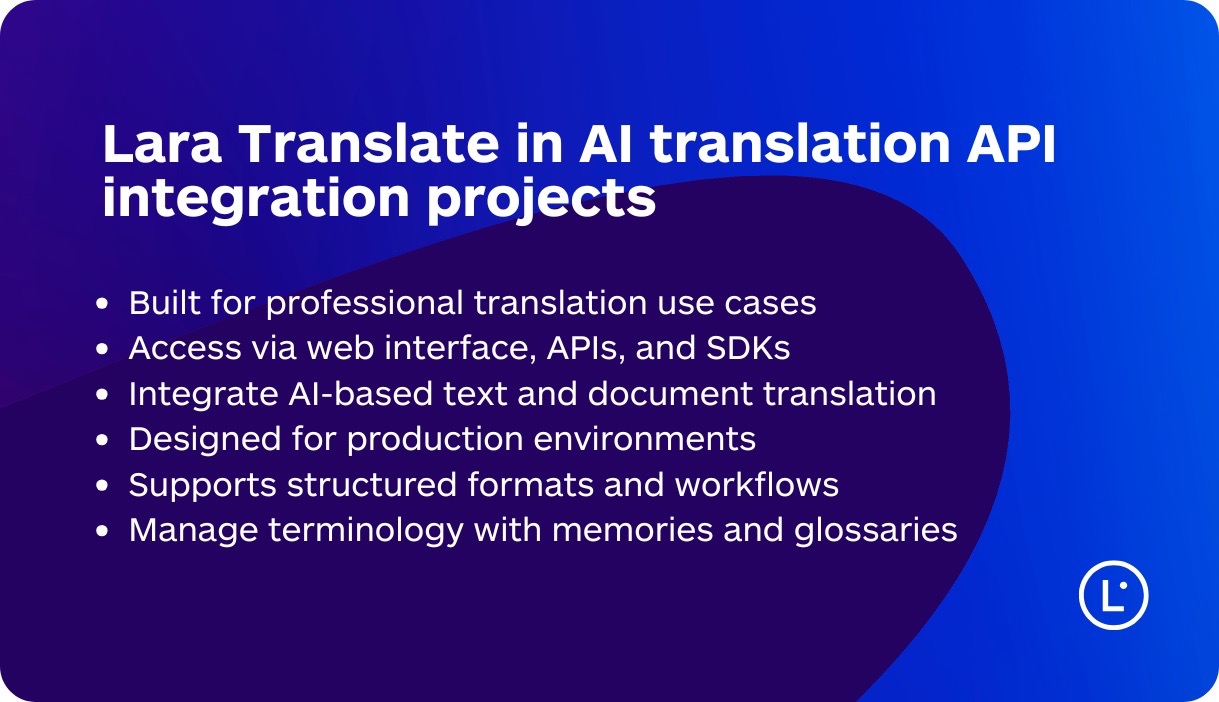
General-purpose translation APIs work for many scenarios, but professional products often need stronger control over terminology, tone, and reviewability. Lara Translate is an AI-powered translation solution created to support both end users and developers, available through a web interface and through APIs and SDKs for seamless integration into websites, applications, and workflows.
For developers, the key value is control. Lara Translate supports terminology management with glossaries and translation memories (TMs), plus contextual instructions that help keep output aligned with your product language. This is useful when translation is part of broader application logic and you need predictable terminology across releases.
If your workflow includes document translation, Lara Translate also supports 55+ file types for format-aware translation, which helps teams keep structure intact for professional content and handoffs.
Advanced integration patterns for large-scale systems
At scale, teams often extend AI translation API integration beyond request-response and make translation part of the platform.
Microservices architecture
Deploy translation as a shared microservice used by multiple products. This standardizes caching, monitoring, policy rules, and provider management.
Event-driven workflows
Trigger translation when content changes. New articles, catalog updates, or knowledge base edits can start pipelines automatically with queues and version tracking.
Real-time collaboration
Collaborative tools require low-latency translation and fast UI updates. WebSockets or streaming patterns can help, but caching and guardrails are still essential.
Continuous improvement
Collect feedback signals and refine terminology over time. Advanced setups can route requests by language, content type, or quality metrics, while keeping outputs consistent through glossaries and TMs.
Go further with AI translation API integration
See how Lara Translate fits into real applications. Test a developer-friendly workflow for translating professional content inside your products and localization pipelines.
FAQs
How do I handle authentication for translation APIs?
Use API keys or OAuth 2.0. Keep credentials server-side, store them securely, and log auth failures with clear error messages.
Should I translate on the client or on the server?
Prefer server-side for security and governance. Use client-side only for non-sensitive cases where you can avoid exposing credentials.
How can I ensure translation quality?
Test critical paths across languages, protect placeholders, and use glossaries plus human review for high-stakes content.
What happens if the translation API is unavailable?
Fall back to cached translations or the source language. Use retries with backoff and queue delayed work when needed.
How do I optimize performance and costs?
Cache aggressively, batch where possible, and avoid translating unchanged content by using versioned keys.
Can I customize translations for specific industries?
Many providers support terminology management. Tools like Lara Translate add glossaries and translation memories to keep language consistent in professional workflows.
Thank you for reading 💜
As a thank you, here’s a special coupon just for you: IREADLARA26.
Redeem it and get 10% off Lara PRO for 6 months.
If you already have a Lara account, log in here to apply your coupon.
If you are new to Lara Translate, sign up here and activate your discount.
This article is about
- How to integrate an AI translation API into websites and apps with a production-ready architecture
- Security, authentication, privacy, rate limits, caching, and language detection
- Implementation patterns for web, mobile, SEO sites, e-commerce, and CMS workflows
- Best practices for reliability, QA, monitoring, and performance optimization
- How to evaluate a developer translation API, including specialized solutions and advanced architectures
Have a valuable tool, resource, or insight that could enhance one of our articles?
Submit your suggestion
We’ll be happy to review it and consider it for inclusion to enrich our content for our readers! ✍️
Useful articles